Download the APK of Background Eraser - Remove BG for Android for free. Remove the background of your images in the blink of an eye. Background Eraser is a...
Background Eraser - Remove BG
Download apk
(27.05M)
Screenshot
Description
Content
Background Eraser is a photo editing app that lets you easily erase parts of your pictures to delete unwanted sections or add other elements to them. For example, you can get rid of the background of an image and keep the parts of it that you care about.
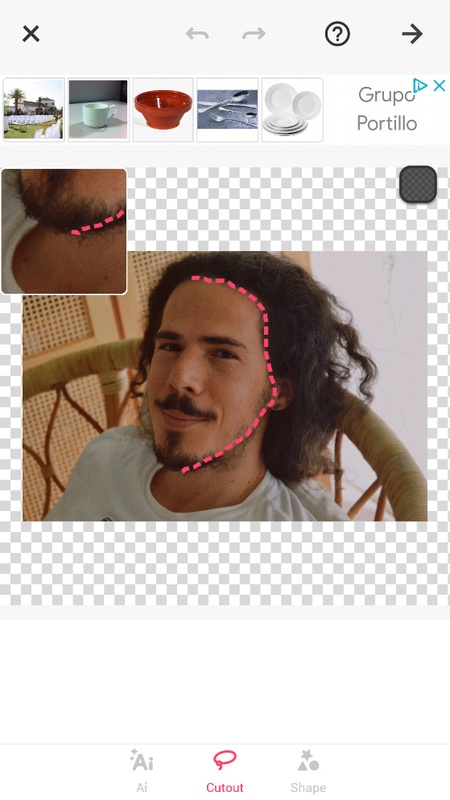
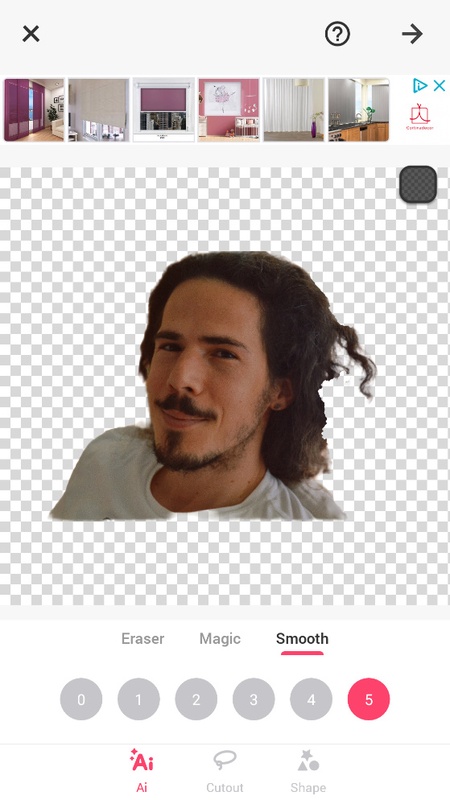
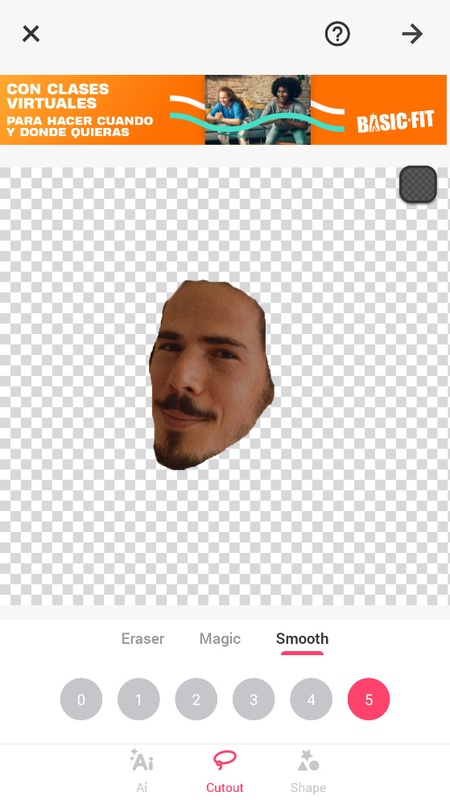
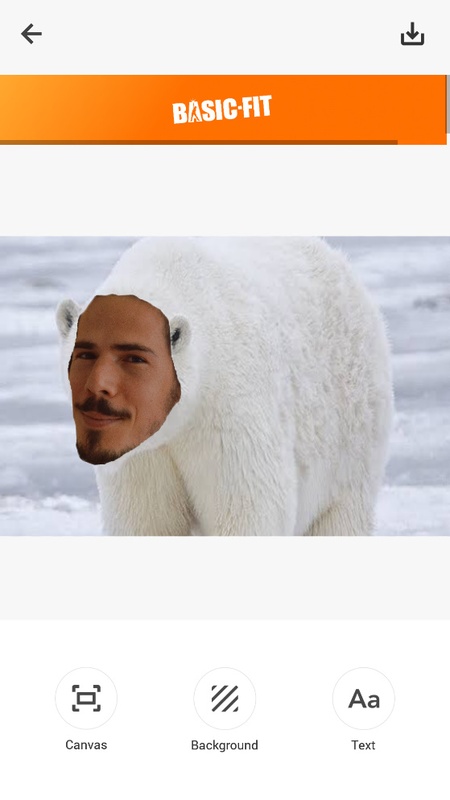
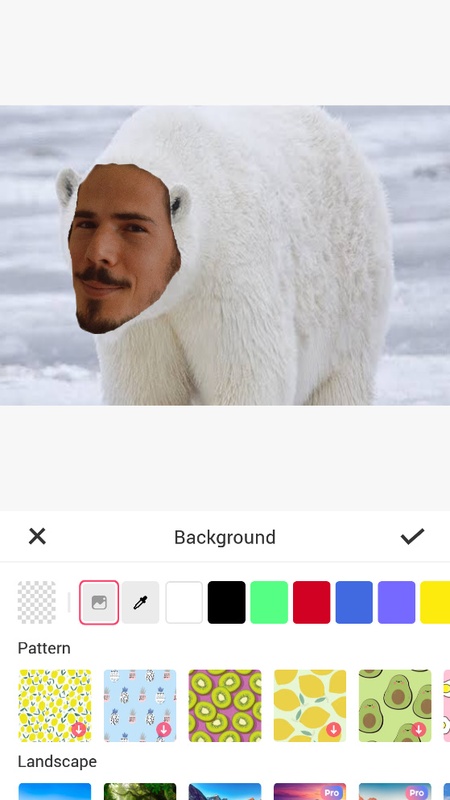
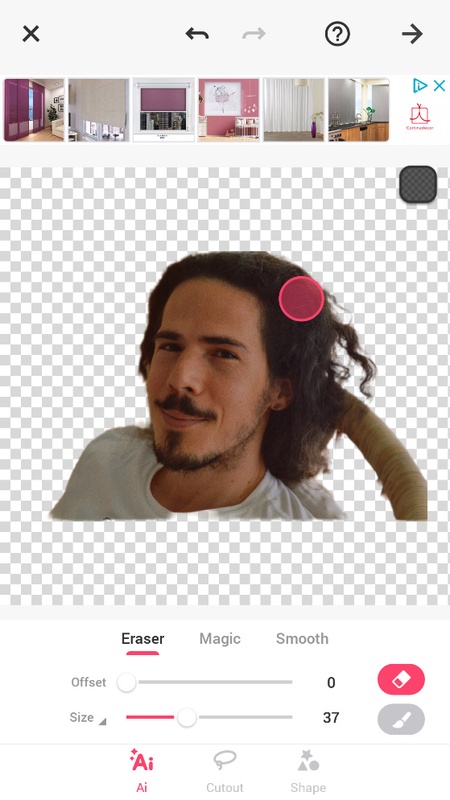
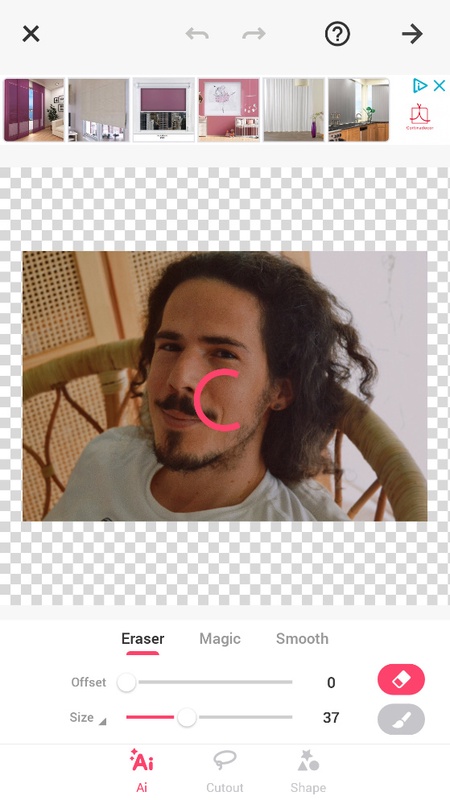
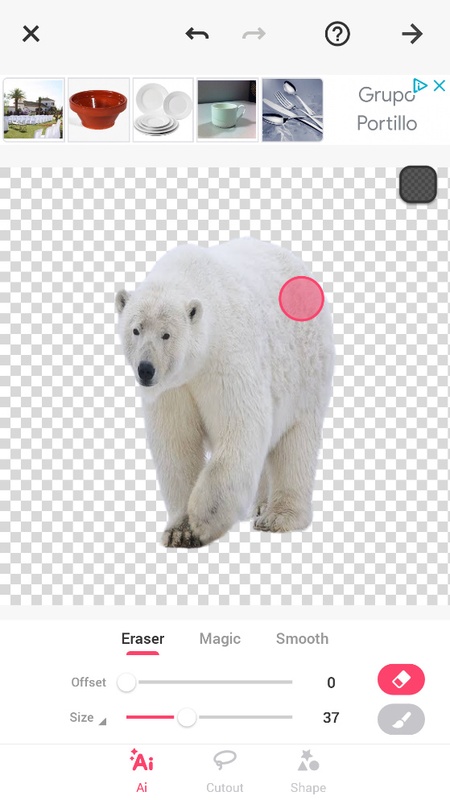
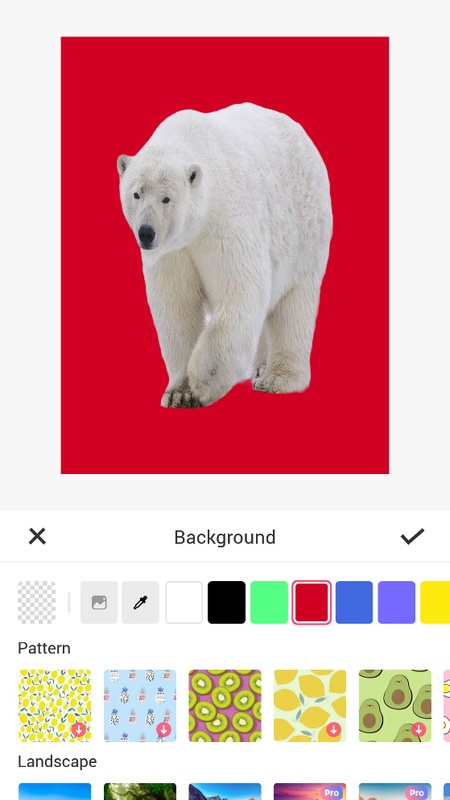
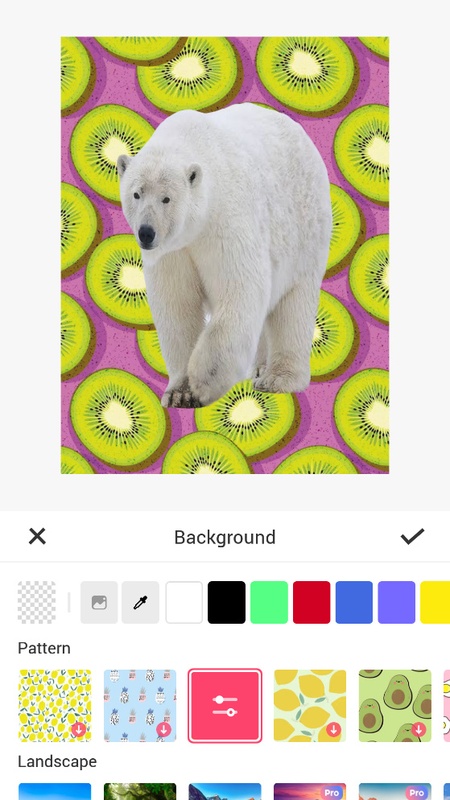
The way Background Eraser works is pretty straightforward: you just have to take a photo or choose one you already have on your phone. Then, you'll open up the section of the app for erasing the background or elements from the image. Erase the part of the photo you want using any of the techniques the app offers: you can use your finger to blur out certain sections, or use the lasso tool to select what you want to keep and delete the rest, or even use a smart selector that selects elements of the same color in the image. With this app, you can also remove the background of a photo and replace it with another one, or remove a person's face and replace it with someone else's, for example. Plus, the app also features an automatic detector that selects the image outline and smoothes the edges to make the job look even more professional.
Background Eraser: Remove BG
Background Eraser is a user-friendly and efficient mobile application designed to seamlessly remove backgrounds from images with remarkable precision. Its advanced algorithms and intuitive interface empower users to create stunning transparent backgrounds with just a few taps.
Key Features:
* Automatic Background Removal: The app's cutting-edge AI technology automatically detects and isolates the subject of an image, removing the background with remarkable accuracy.
* Manual Fine-tuning: For greater control, users can manually refine the background removal using the eraser and restore tools, ensuring a perfect result.
* Transparent Backgrounds: Background Eraser generates transparent PNG or JPG images, making it easy to integrate the subject into other designs or presentations.
* Batch Processing: The app allows users to remove backgrounds from multiple images simultaneously, saving time and effort.
* High-Quality Output: The app maintains the original image quality, preserving the sharpness and detail of the subject after background removal.
Benefits:
* Effortless Image Editing: Background Eraser simplifies image editing by automating the tedious task of background removal, allowing users to focus on creating visually appealing content.
* Time-Saving: The app's fast and efficient processing saves users countless hours that would otherwise be spent manually removing backgrounds.
* Enhanced Creativity: By providing transparent backgrounds, Background Eraser unlocks endless creative possibilities, enabling users to combine images, create unique designs, and enhance their visual storytelling.
Target Audience:
Background Eraser is an ideal tool for:
* Photographers seeking to isolate subjects for professional-looking images
* Content creators who need to create eye-catching visuals for social media and marketing
* Graphic designers looking to integrate images seamlessly into their designs
* Students and educators who need to remove backgrounds from images for presentations and educational materials
User Experience:
The app's intuitive interface makes it accessible to users of all skill levels. With just a few taps, users can achieve professional-quality results. The app also provides helpful tutorials and support resources to ensure a seamless user experience.
Conclusion:
Background Eraser is an indispensable tool for anyone looking to remove backgrounds from images quickly, easily, and with exceptional precision. Its advanced features, intuitive interface, and high-quality output make it the preferred choice for photographers, content creators, graphic designers, and students alike.
Information
Version
2.213.63
Release date
Jul 03 2024
File size
27.05M
Category
Casual
Requires Android
Android 6.0 or higher required
Developer
InShot Inc.
Installs
37940
ID
photoeditor.cutout.backgrounderaser
Available on