Download the APK of Media Converter for Android for free. Efficient media converter for video and audio with custom settings. The Media Converter app is a...

Media Converter
Download APK
(14.2 MB)
Screenshot
Description
Content
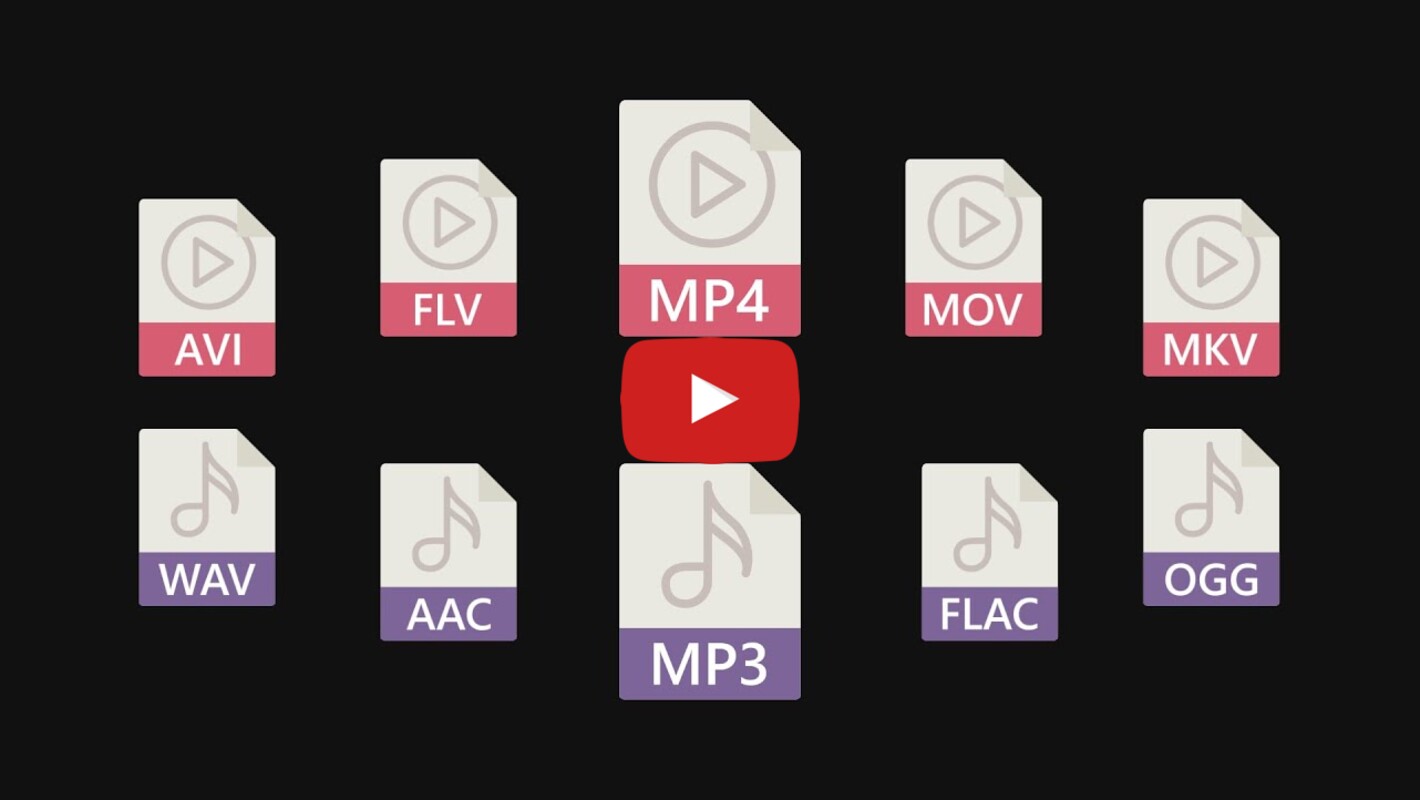
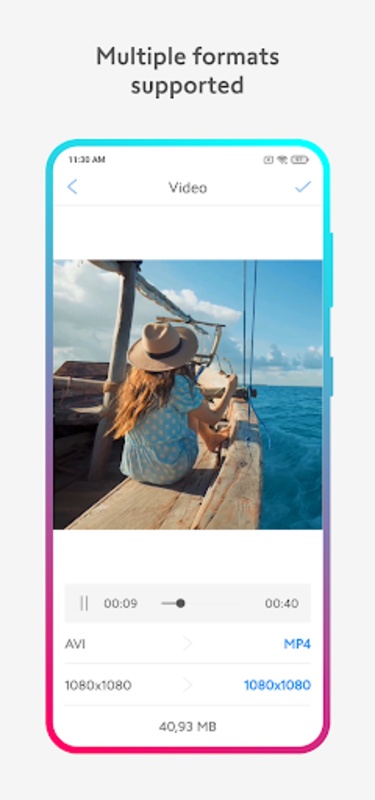
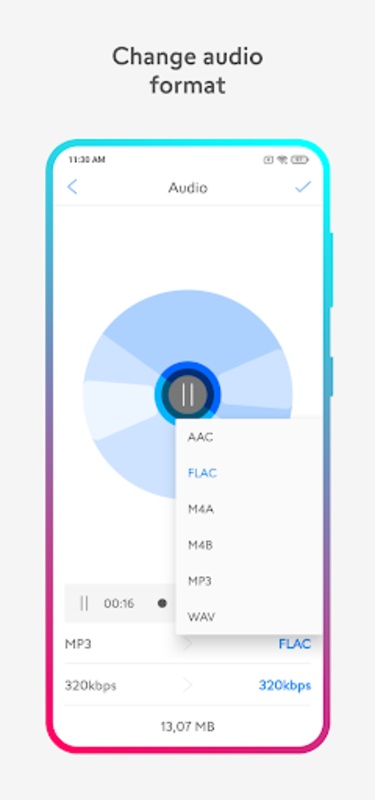
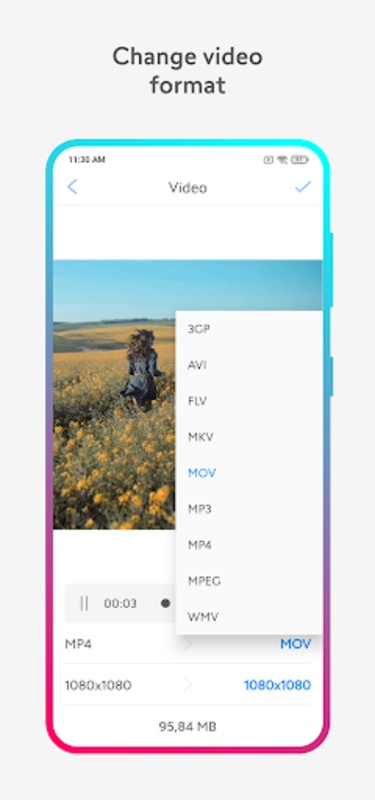
The Media Converter app is a versatile solution designed to meet video and audio conversion needs efficiently. Whether transforming media files for compatibility with various devices or platforms, it ensures quick and easy conversions. It supports a wide range of formats, including video formats like 3GP, AVI, FLV, MKV, MOV, MP4, MPEG, and WMV, and audio formats such as AAC, FLAC, M4A, M4B, MP3, and WAV.
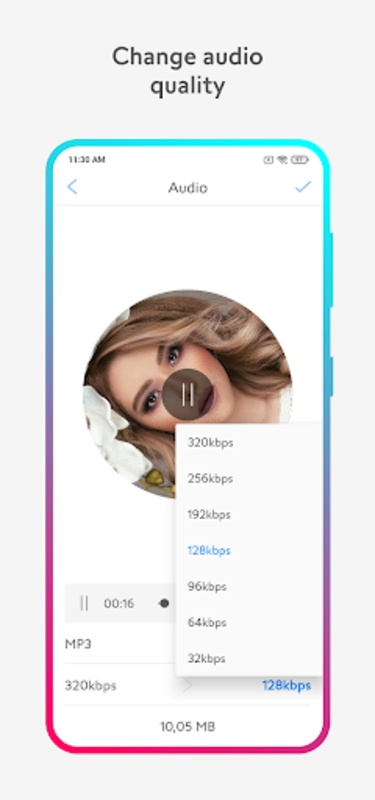
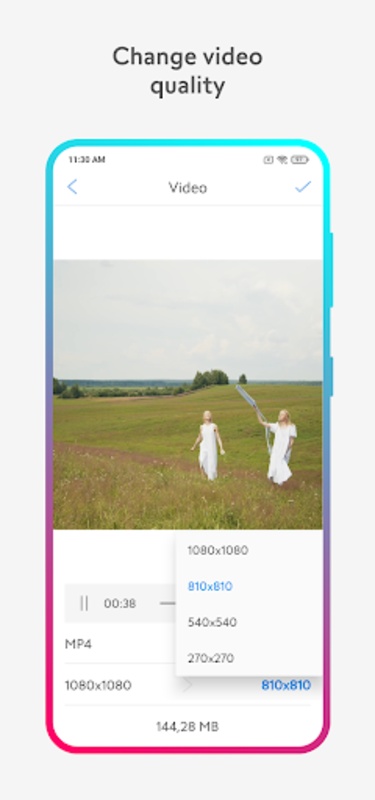
One of the standout features is its capability to offer custom resolution and bitrate settings, allowing the tailoring of the output according to specific requirements. Not only does it convert videos and audios into numerous formats, but it also offers options to compress these files without sacrificing quality, which is particularly useful for efficient storage management or when uploading content online.
Media Converter: A Comprehensive Guide
Introduction
Media Converter is an indispensable tool for media enthusiasts and professionals alike. It empowers users to effortlessly convert a wide array of audio, video, and image formats, enabling seamless compatibility across various devices and platforms. This guide delves into the intricacies of Media Converter, exploring its capabilities, benefits, and optimal usage.
Key Features
* Comprehensive Format Support: Media Converter boasts an extensive library of supported formats, including popular audio formats (MP3, WAV, AAC, FLAC), video formats (MP4, AVI, MOV, MKV), and image formats (JPEG, PNG, GIF, BMP).
* Batch Conversion: Users can simultaneously convert multiple files, saving time and streamlining the conversion process.
* Customization Options: Media Converter offers customizable settings, allowing users to tailor conversions to specific requirements, such as adjusting bitrate, resolution, and frame rate.
* Preset Profiles: Predefined conversion profiles simplify the process for common scenarios, ensuring optimal results with minimal effort.
* User-Friendly Interface: The intuitive interface makes Media Converter accessible to users of all experience levels.
Benefits of Using Media Converter
* Enhanced Compatibility: Convert media files to formats compatible with various devices, including smartphones, tablets, laptops, and televisions.
* Space Optimization: Compress media files to reduce their size without compromising quality, freeing up storage space on devices.
* Cross-Platform Sharing: Convert files to formats that are easily shareable across different platforms and operating systems.
* Improved Playback: Optimize media files for optimal playback on specific devices, ensuring smooth and uninterrupted viewing or listening experiences.
* Time-Saving: Batch conversion and preset profiles expedite the conversion process, saving users valuable time.
Optimal Usage
* Choose the Right Format: Select the appropriate output format based on the intended use and device compatibility.
* Customize Settings: Adjust conversion settings to achieve desired results, such as balancing file size and quality.
* Utilize Batch Conversion: Convert multiple files simultaneously to save time and effort.
* Experiment with Presets: Explore preset profiles for common conversion scenarios to simplify the process.
* Preview Output: Preview converted files to ensure they meet expectations before saving them.
Conclusion
Media Converter empowers users to navigate the complexities of media formats with ease. Its comprehensive features, intuitive interface, and customizable options make it an invaluable tool for converting audio, video, and image files. By leveraging Media Converter, users can optimize their media for compatibility, space optimization, cross-platform sharing, and enhanced playback experiences.
Information
Version
224610
Release date
Jun 30 2024
File size
14.2 MB
Category
Casual
Requires Android
Android 5.0 or higher required
Developer
Desa Mobi
Installs
49
ID
com.desa.mediaconverter
Available on