
Download MP3 Cutter APK (6.8) for Android for free. Make your own Ringtone easily!

MP3 Cutter
Download APK
(52.73 MB)
Screenshot
Description
Content
Make your own Ringtone easily!
Cut the best part of your audio song or MP4 video and save it as your Ringtone/Alarm/Music File/Notification Tone.
Make your own MP3 ringtones/Notifications/Alarms fast and easy with this app.
Supports MP3, WAV and most other music formats. This app is also a music editor/alarm tone maker/ ringtone cutter and notification tone creator.
Mp3 cutter, ringtone maker, you can create and custom new ringtone for your self
mp3 cutter - music cutter, ringtone maker you can cut music, cut mp3 and other format files.
Features:
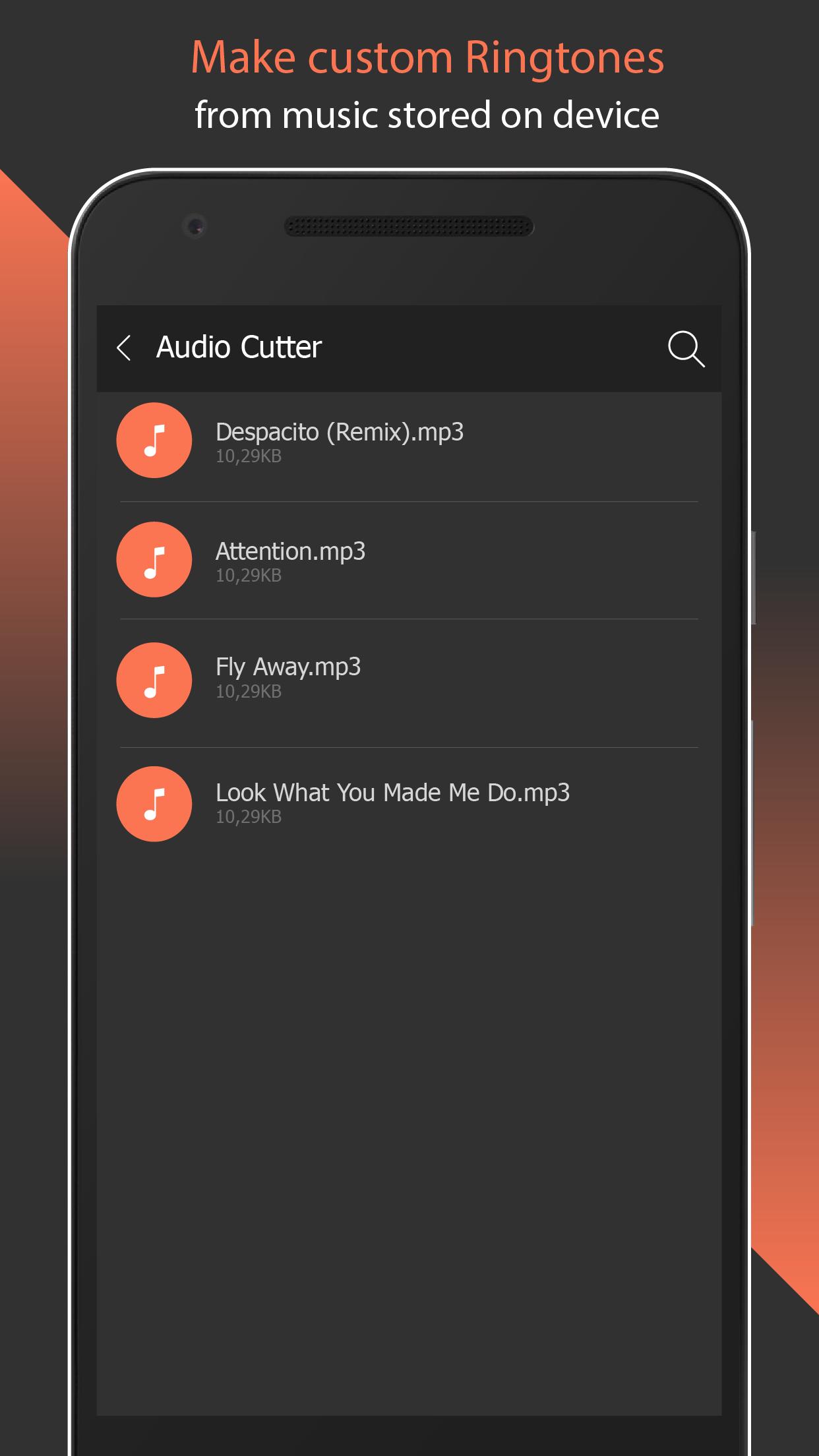
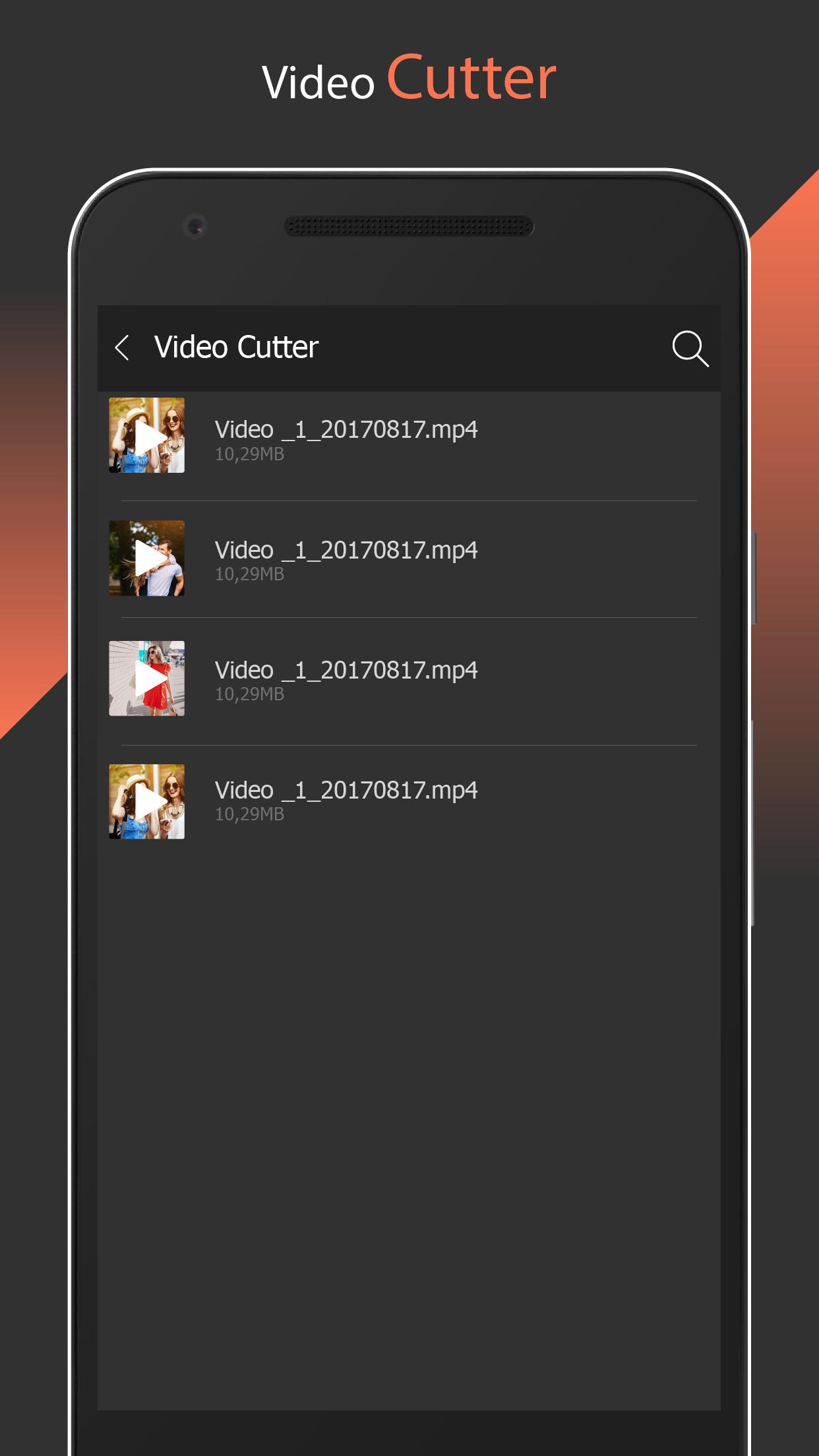
- List all the MP3/MP4 songs from the SD card .
- Choose the MP3 files from the list .
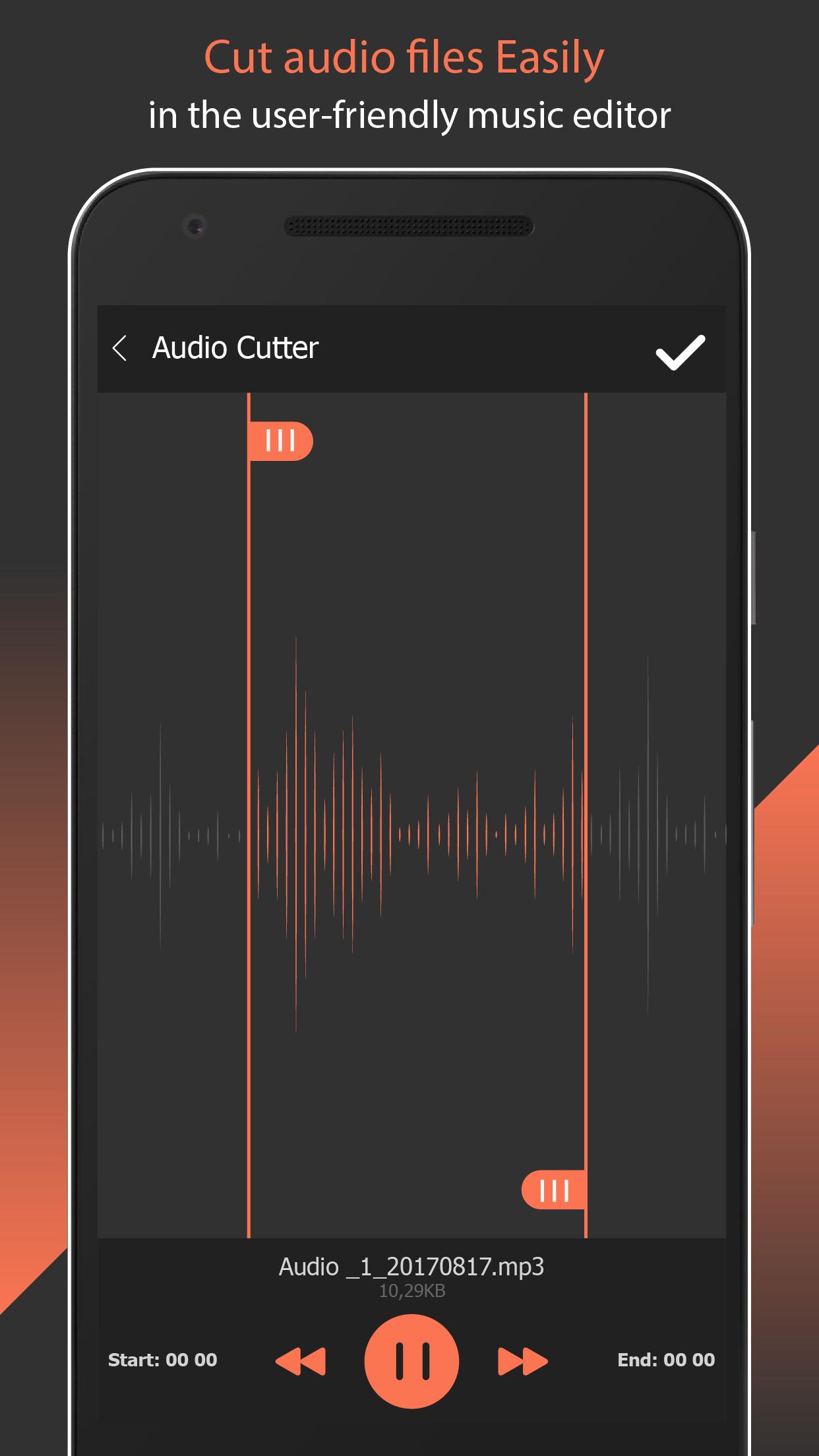
- Cut the file using forward and backward selector .
- Integrated MP3 player help you to play before cutting .
- Set the edited file as ring tone .
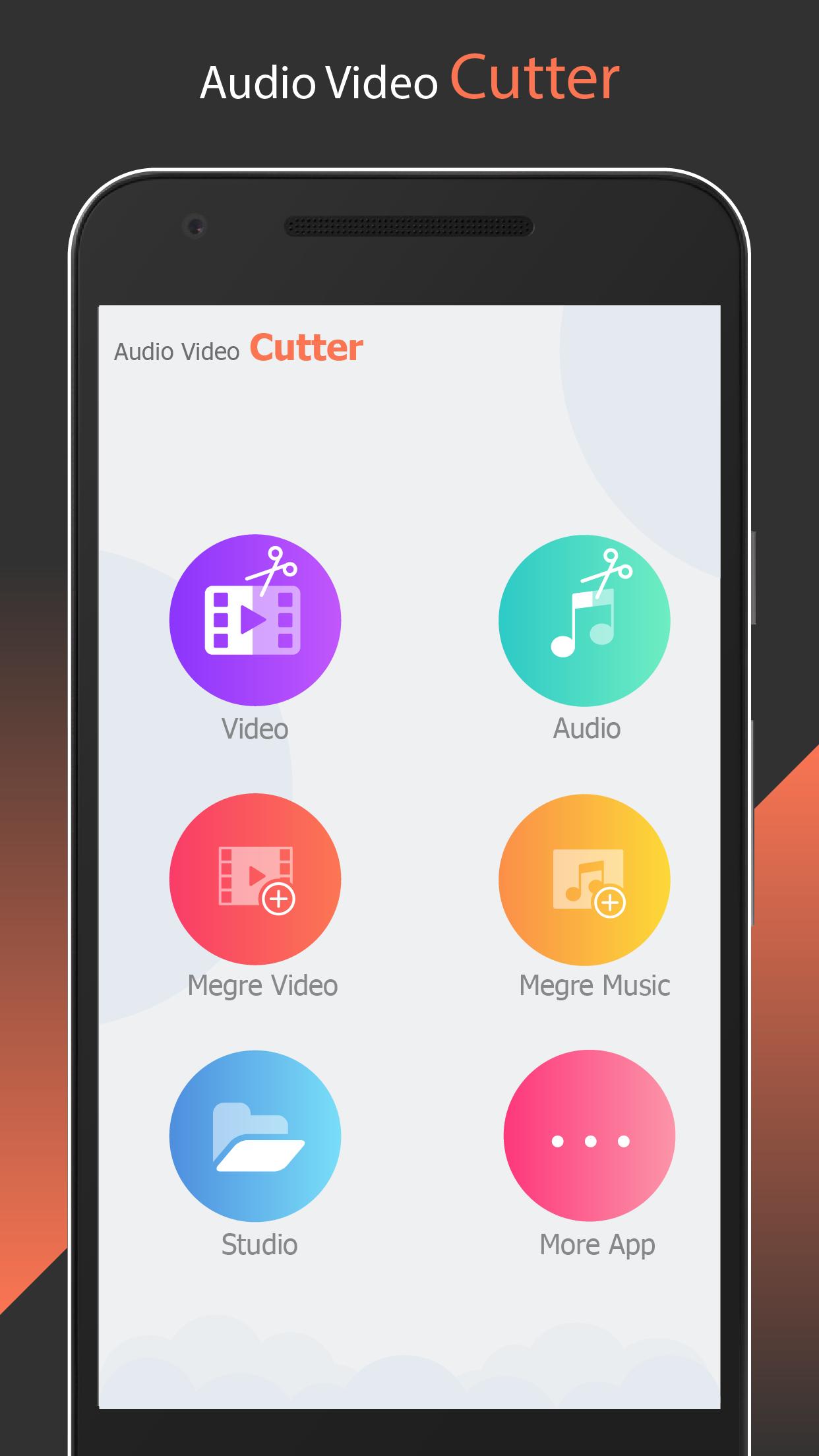
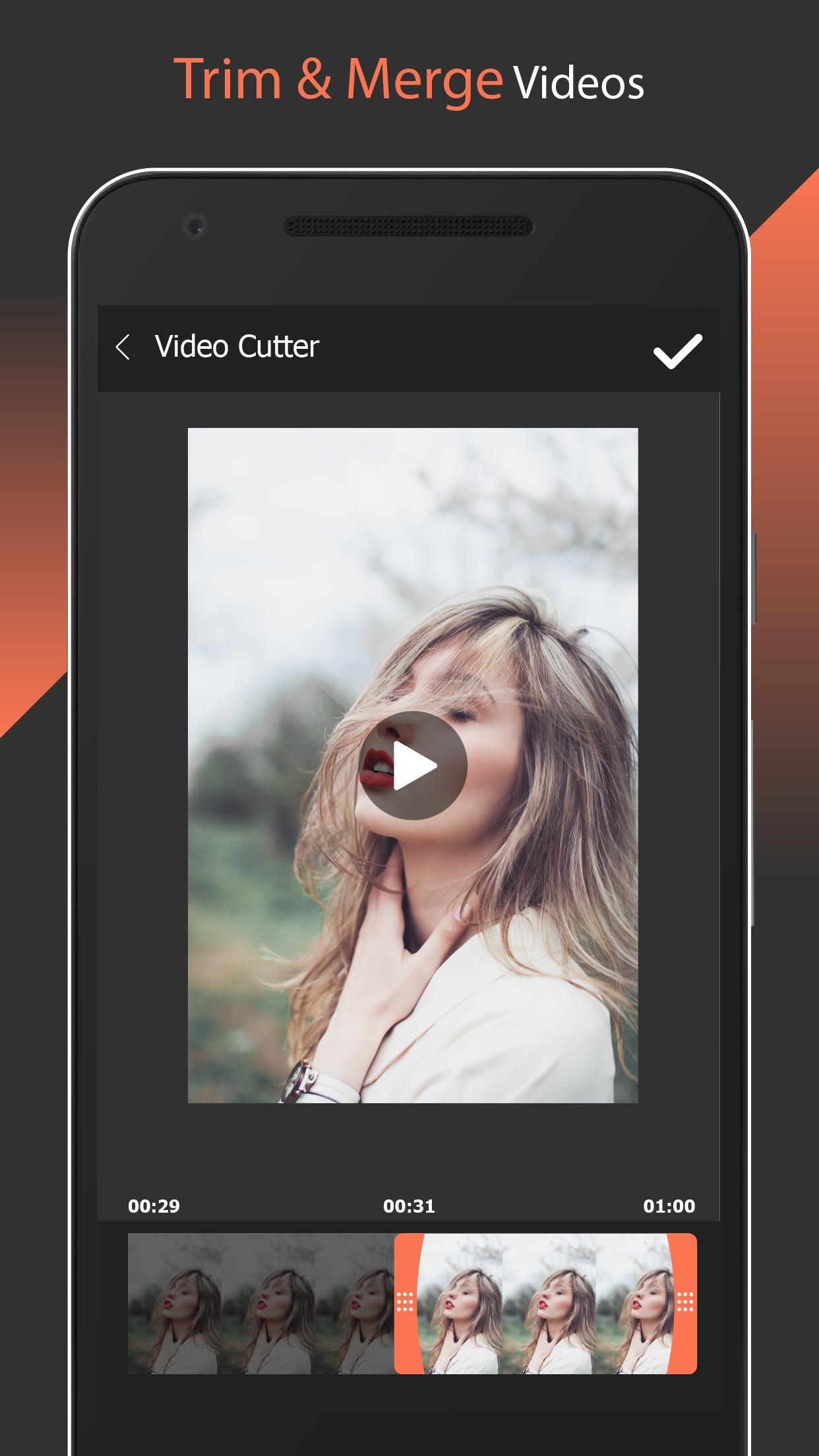
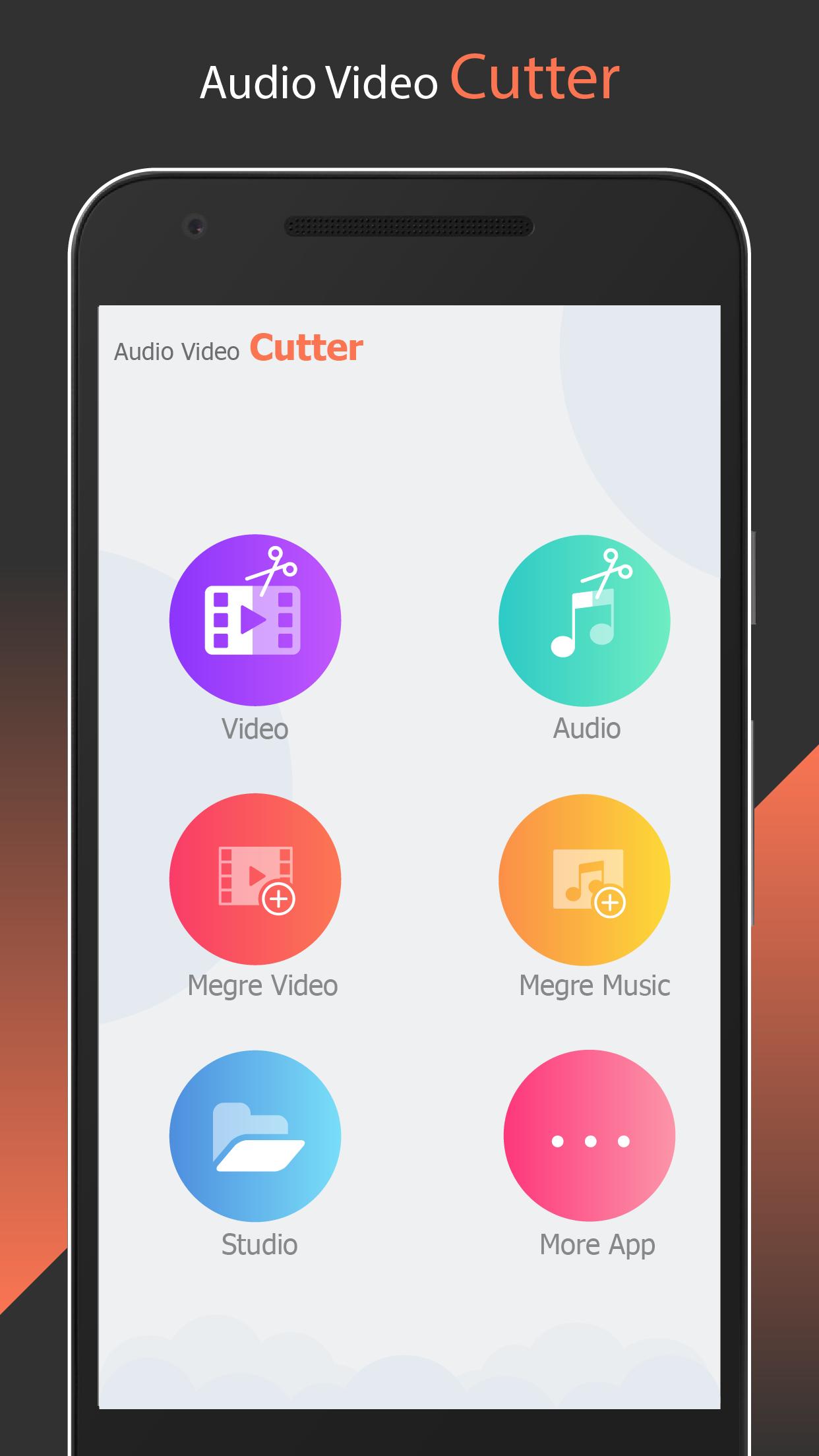
- you can easily merge video or audio very fast
- Manually set the start & end time(in seconds) by typing the values in text boxes at bottom of app.
- Option to Name the new cut clip while saving it.
- Record audio by ringtone maker
- Set the new clip as default ringtone or assign to contacts, using this editor.
- Cut the music files stored on the phone, made a unique ringtone.
- Scan music stored in your phone and various audio files, music editing and clipping.
- Have a built-in file browser, easy to find and open the music.
- Powerful audio editing features, millisecond-level perfect cut.
- Software supports audio formats MP3, WAV, AAC, AMR, 3GPP, 3GP, M4A.
- Waveform display, and there are five scaling.
- ringtone maker also supports trim, merge files
- Touch to adjust the ringtone by starting and ending location.
- Delete the ringtone.
- Powerful music editor.
- Music cutter, song cutter
- provide mp3 trimmer, video editor
Let's download, use ringtone maker, mp3 cutter and music cutter for free right now.
please email us if your device is not supported, we will try our best to support it.
What's New in the Latest Version 6.8
Last updated on Jul 1, 2024
Minor bug fixes and improvements. Install or update to the newest version to check it out!
MP3 Cutter: A Comprehensive GuideMP3 Cutter is a user-friendly and versatile audio editing tool that allows you to effortlessly trim, cut, and split MP3 files. Its intuitive interface and comprehensive features make it an ideal choice for both novice and experienced users.
Key Features
* Precise Audio Trimming: MP3 Cutter provides a precise timeline editor that enables you to select specific portions of your MP3 files for cutting. The intuitive drag-and-drop functionality allows for seamless adjustments, ensuring you achieve the desired result with ease.
* Multiple Splitting Options: This feature empowers you to divide MP3 files into multiple segments based on your preferences. You can either manually specify the split points or utilize the automatic splitting tool, which divides the file into equal parts.
* Fade In/Out Effects: MP3 Cutter offers customizable fade in and fade out effects, allowing you to create smooth transitions between audio segments. This feature adds a professional touch to your edited MP3 files.
* Batch Processing: For efficient editing of multiple MP3 files, MP3 Cutter supports batch processing. This feature enables you to apply the same editing operations to multiple files simultaneously, saving you valuable time.
* Supported File Formats: MP3 Cutter seamlessly supports a wide range of audio file formats, including MP3, WAV, WMA, and M4A. This versatility makes it compatible with various audio sources.
Benefits
* Easy-to-Use Interface: MP3 Cutter's intuitive design ensures a user-friendly experience, making it accessible to users of all skill levels. The clear layout and straightforward controls streamline the editing process.
* Lossless Editing: The tool employs advanced algorithms to ensure lossless editing, preserving the original quality of your MP3 files. Your edited audio will maintain its pristine sound without any degradation.
* Fast and Efficient: MP3 Cutter is optimized for speed and efficiency, allowing you to complete editing tasks swiftly. The quick processing time minimizes interruptions to your workflow.
* Versatile Applications: This versatile tool finds applications in various scenarios, including creating ringtones, podcasts, and audio samples. Its diverse capabilities make it a valuable addition to any audio editing toolkit.
Conclusion
MP3 Cutter is an indispensable tool for anyone seeking to edit MP3 files with precision and efficiency. Its user-friendly interface, comprehensive features, and lossless editing capabilities make it an excellent choice for both personal and professional audio editing needs.
Information
Version
6.8
Release date
Jul 01 2024
File size
52.73 MB
Category
Music&Audio
Requires Android
Android 6.0+
Developer
Loli Jax
Installs
10M+
ID
com.editor.mp3.cutter.ringtone.video.maker.trimmer
Available on